Muse gadgets / M5Stack StickC Plus2
Full UIOfficially supportedESP32 SDKEnd of life
M5Stack StickC Plus2
$15-20
ESP32 stick (2MB PSRAM) with 1.14" LCD, mic, buzzer, IMU, IR, 200mAh battery. Full Muse UI with push-to-talk, but buzzer only, so replies can't be spoken on-device. M5Stack lists it as end-of-life; buy the StickS3 unless you already own one.
What it can do
- Voice · Voice in, no speakeryes
- Images · Coloryes
- Touchscreenno
- Camerano
- Air sensorsno
- Home-network tunnelyes
- Batteryyes
- Over-the-air updatesyes
Things to say to it
“(Hold to talk) Add milk to the grocery list.”“Show me the picture you made.”
What you need
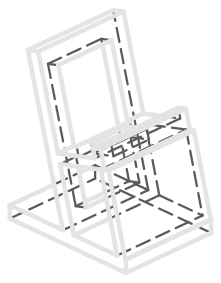
Printable stand
Print it, or get it made
STL for printing, STEP for CAD, and a fab.json with print settings and fit checks.
Firmware
Build command
Your coding agent runs this for you. The full sequence (token, flash, pair) is on the build page.
tools/muse/board.sh build plus2Limits
Good to know
- The home-network tunnel lets Muse reach devices on your LAN that expose a local HTTP API. Treat it like giving the agent a foothold on your network.
- Pairing has no manufacturer verification and can't prevent an active man-in-the-middle attack.
- Builds are signed with the included development key and never enable Secure Boot. Enable NVS encryption (CONFIG_HOMEHUB_NVS_ENCRYPTION).
- Custom ESP32 commands are not a documented API yet: the command set (display.draw_url, sensors.read, camera.capture, ...) is hardcoded in main/app.c.
- End of life at the vendor
Alternatives
Compare with
Primary links