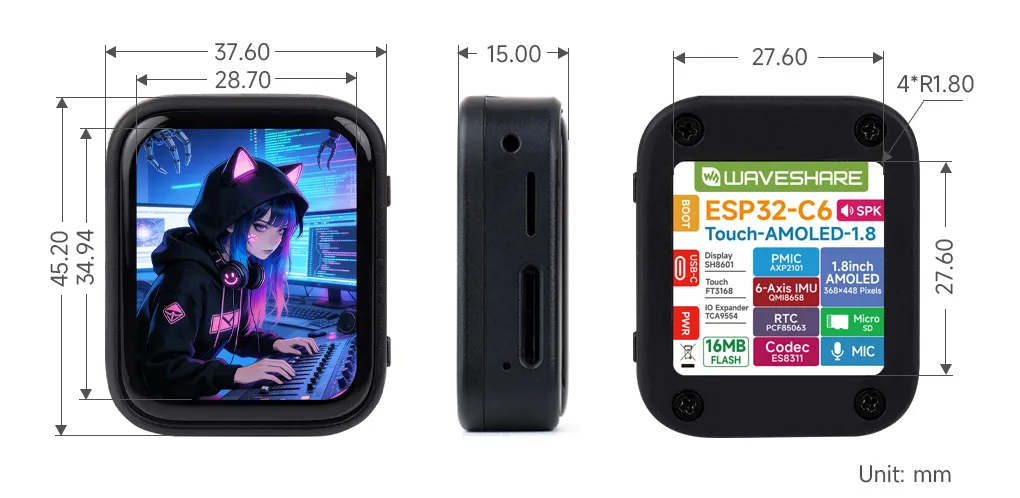
Muse gadgets / Waveshare ESP32-C6-Touch-AMOLED-1.8
Full UIOfficially supportedESP32 SDK
Waveshare ESP32-C6-Touch-AMOLED-1.8
$29-30
1.8" 368x448 touch AMOLED in a case, ESP32-C6, mic + speaker, IMU, RTC. No PSRAM: full Muse UI, but push-to-talk replies scroll past as text, no images and no home-network tunnel. Cheapest full-UI board.
What it can do
- Voice · Text repliesyes
- Imagesno
- Touchscreenyes
- Camerano
- Air sensorsno
- Home-network tunnelno
- Battery · optionalyes
- Over-the-air updatesyes
Things to say to it
“(Hold to talk) Summarize my unread email.”“What's the status of the task you're running?”
What you need
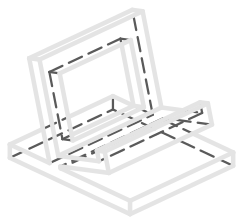
Printable stand
Print it, or get it made
STL for printing, STEP for CAD, and a fab.json with print settings and fit checks.
Firmware
Build command
Your coding agent runs this for you. The full sequence (token, flash, pair) is on the build page.
tools/muse/board.sh build c6Limits
Good to know
- Boards without PSRAM (classic ESP32, ESP32-C6) run without the home-network tunnel; Muse can still reach and control them.
- Pairing has no manufacturer verification and can't prevent an active man-in-the-middle attack.
- Builds are signed with the included development key and never enable Secure Boot. Enable NVS encryption (CONFIG_HOMEHUB_NVS_ENCRYPTION).
- Custom ESP32 commands are not a documented API yet: the command set (display.draw_url, sensors.read, camera.capture, ...) is hardcoded in main/app.c.
Alternatives
Compare with
Primary links